
PRODUCT SCREENSHOTS
Preview your assessment workflow.
See how SecBoost brings system scope, control evidence and reporting together.
This preview uses fictional data.
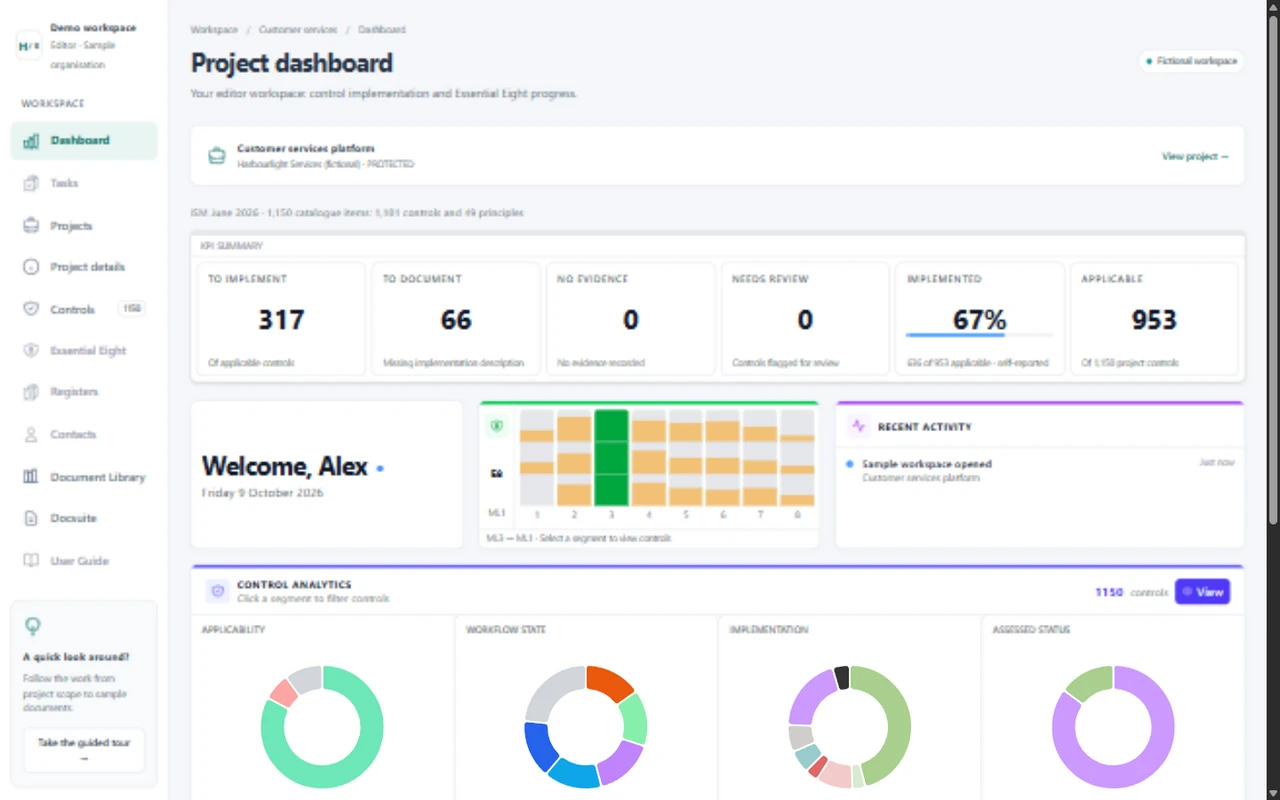
1. Define the scope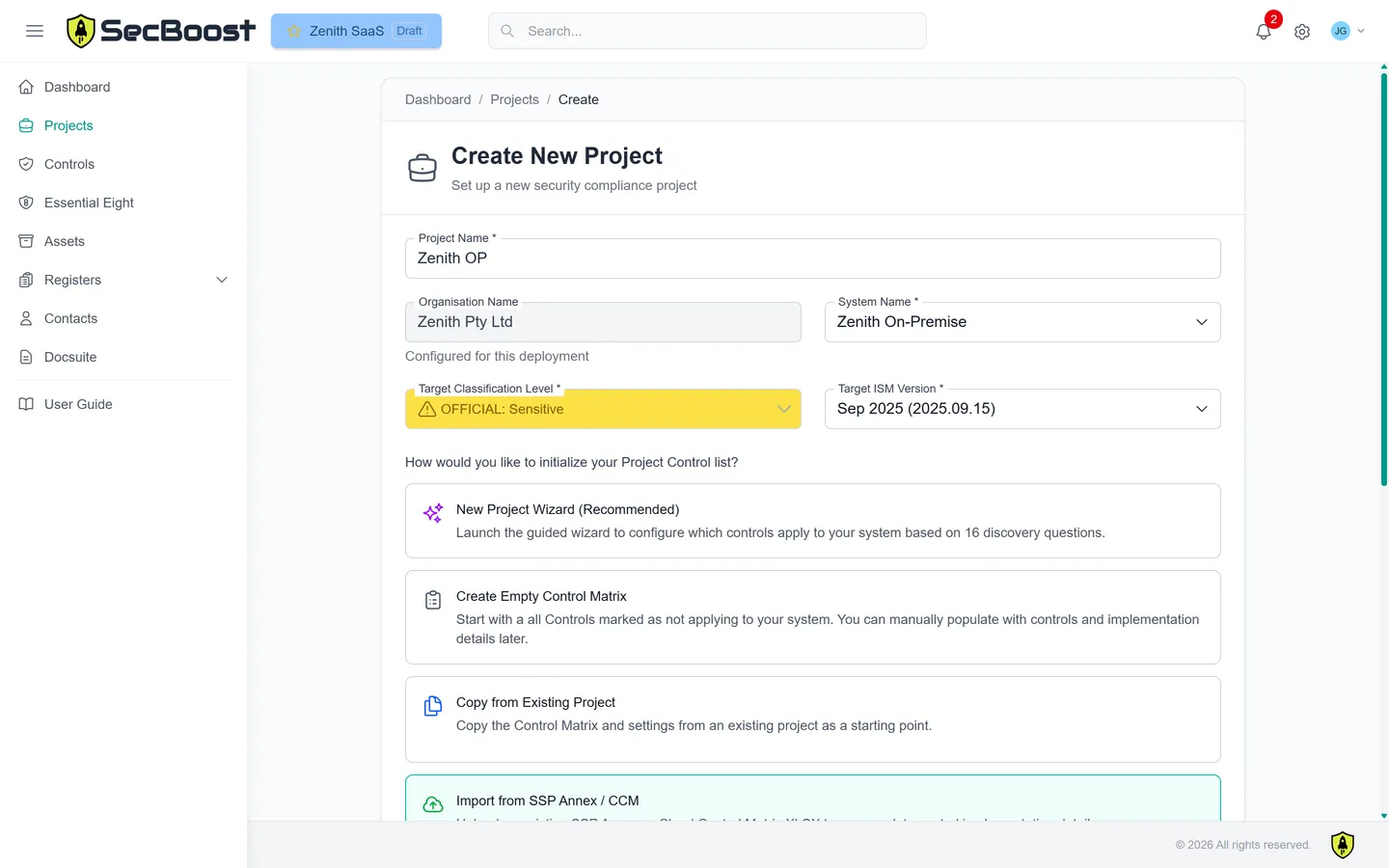
Set the system context and choose the controls that apply.
2. Connect the evidence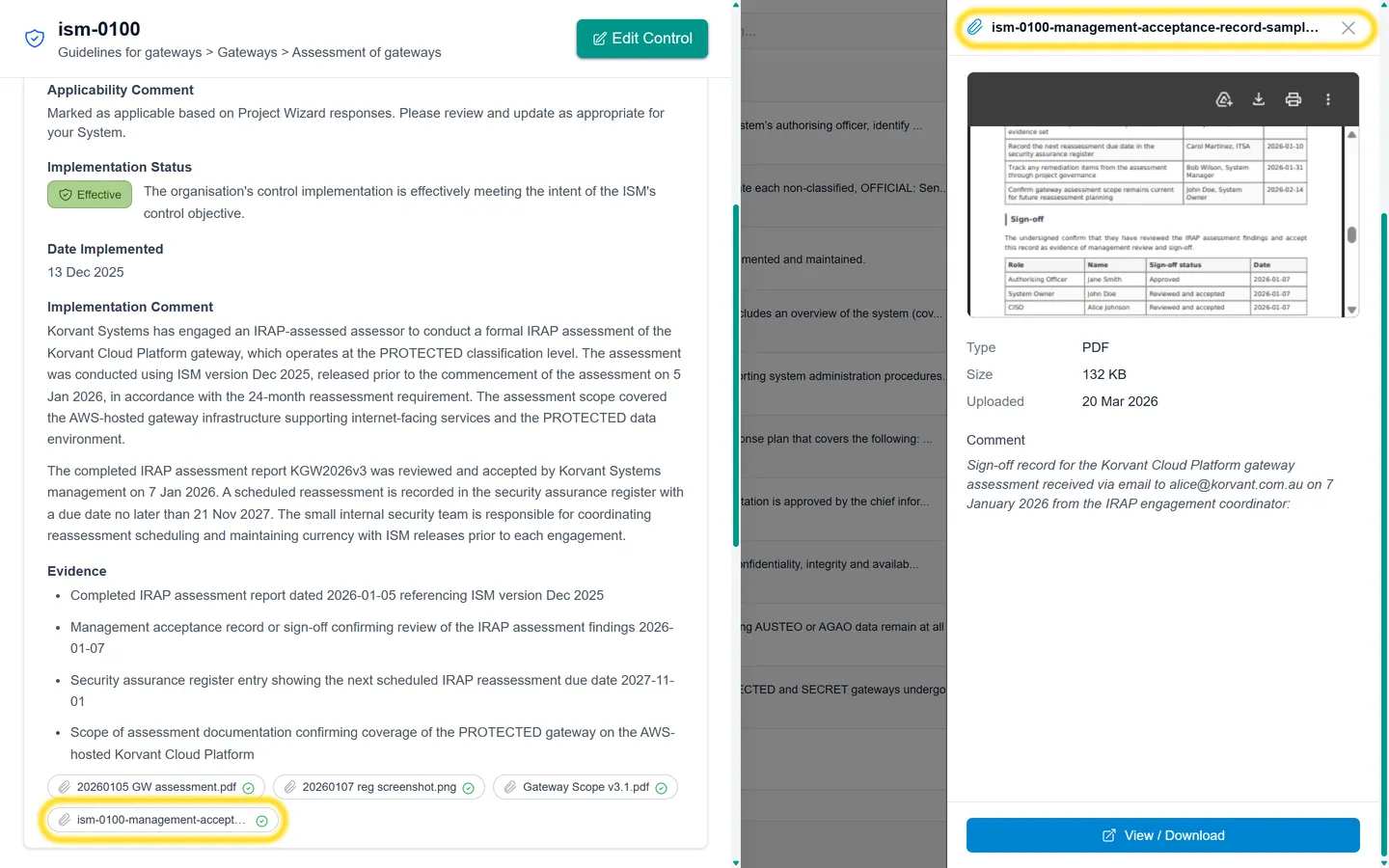
Keep supporting records with the control implementation.
3. Produce the outputs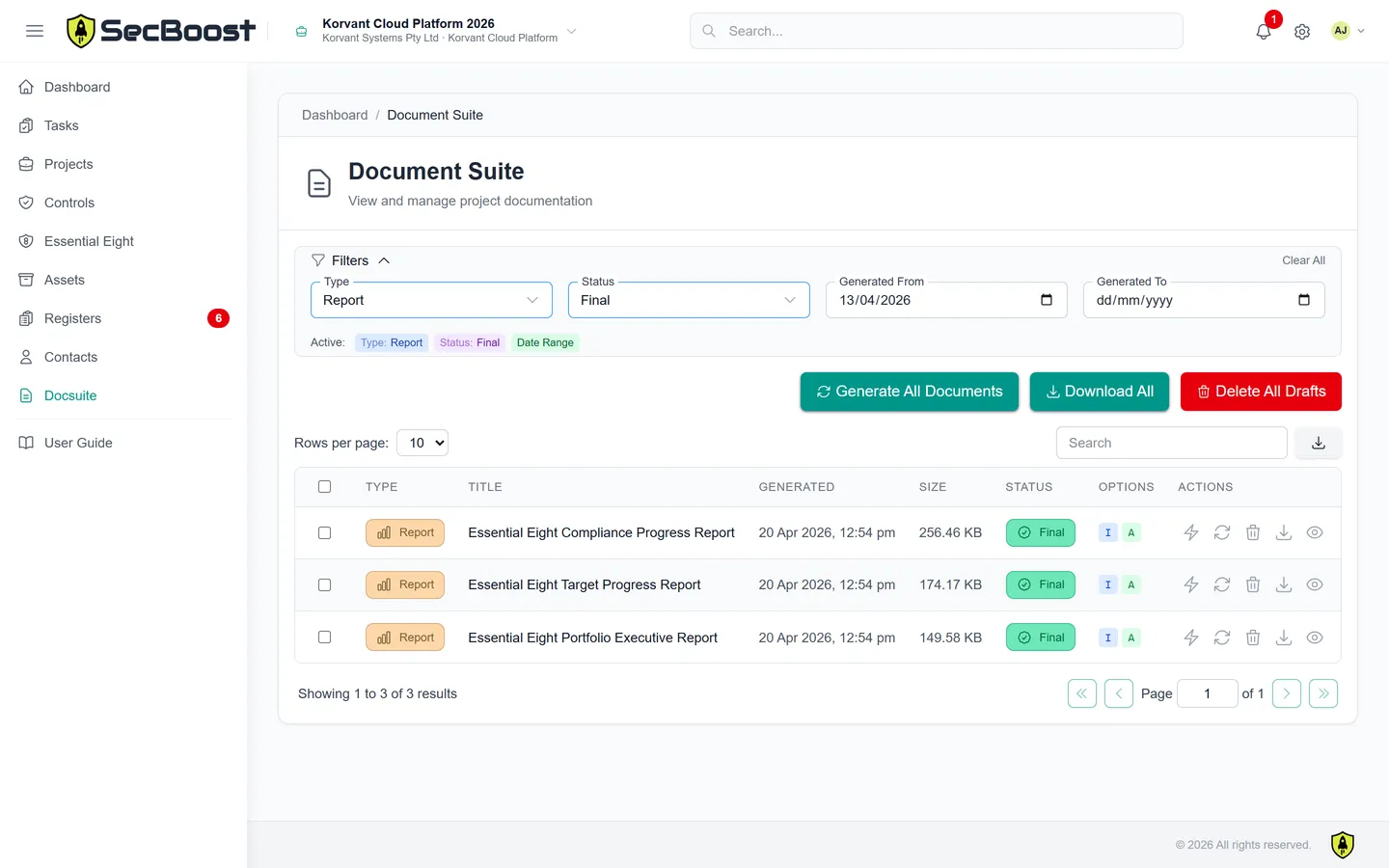
Turn the project records into documents and reports.
The workspace couldn’t load. Refresh to try again, or view the product features above.