

Define the assessment scope
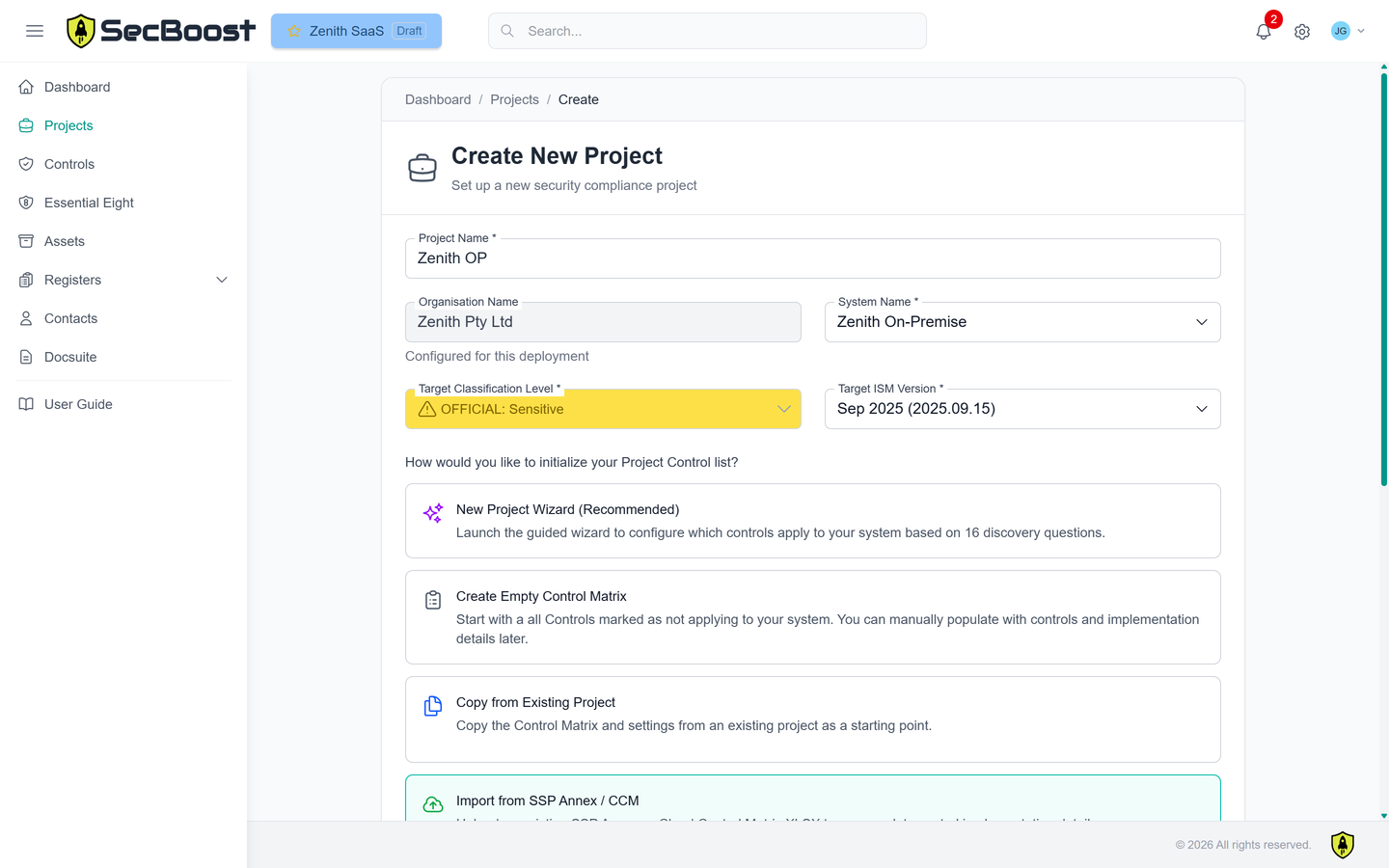
Create a project from the wizard, an SSP Annex or a CCM import. Set classification, ISM version and system context, then tailor control applicability and responsibilities.
Product
SecBoost keeps assessment scope, control implementation, evidence, generated documents, registers and assessor records aligned. Work in the workspace or connect your own AI agents and integrations through the API.
Explore the product demo →View product features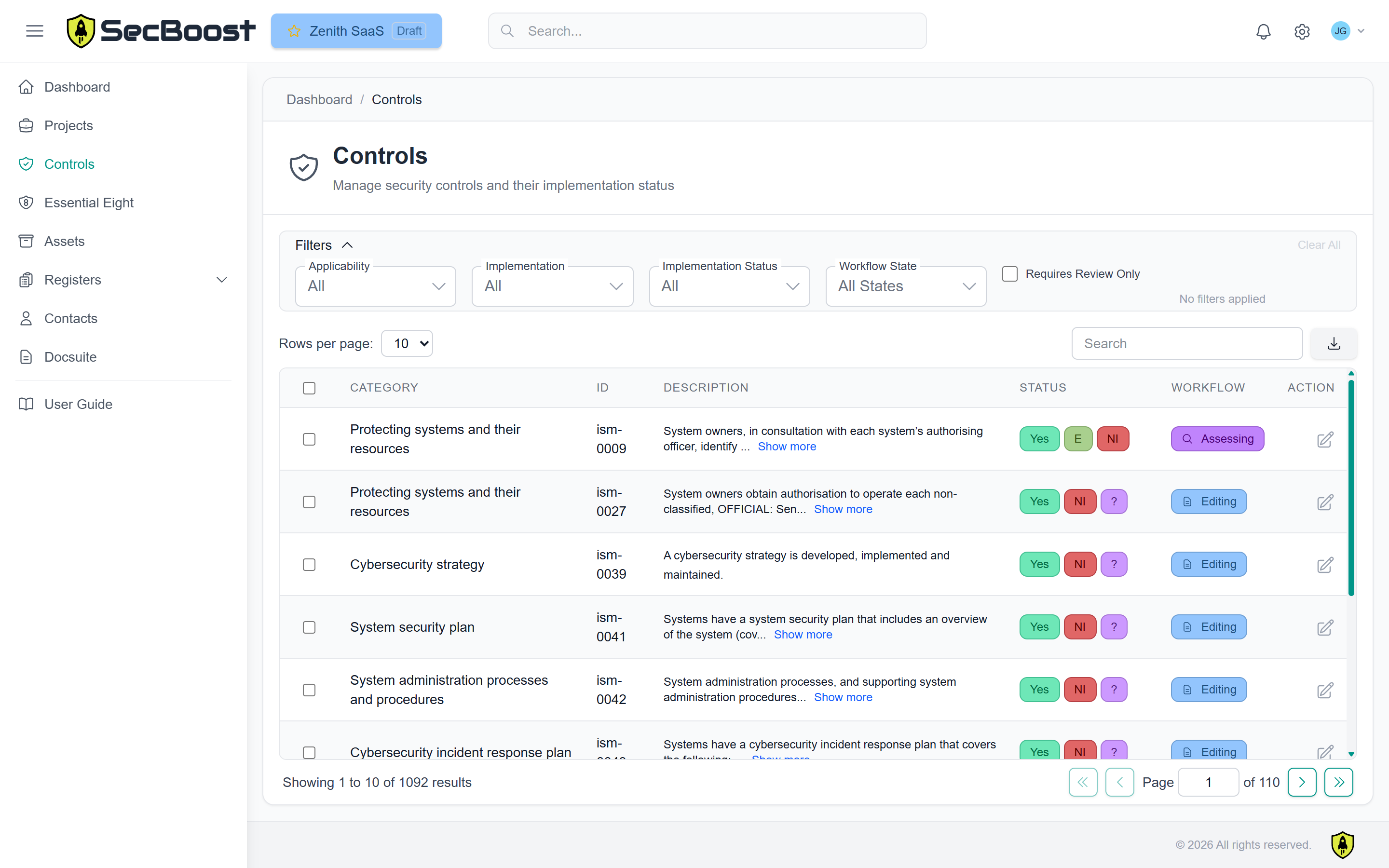
Define the scope, maintain implementation details and keep the evidence available for review.
Create a project from the wizard, an SSP Annex or a CCM import. Set classification, ISM version and system context, then tailor control applicability and responsibilities.
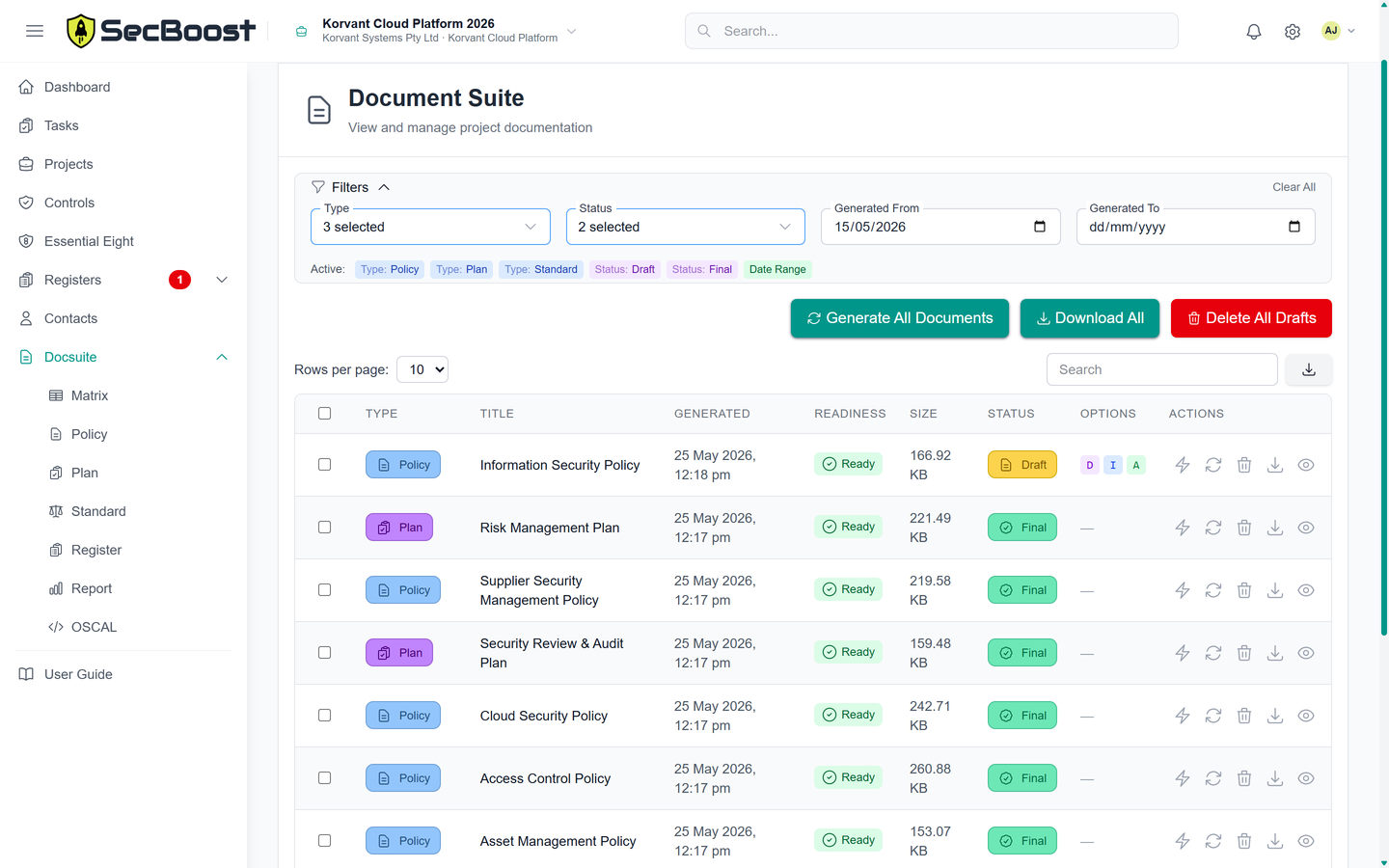
Create 20+ ISM-aligned policies, plans, standards, registers and reports from the same system profile and control records.
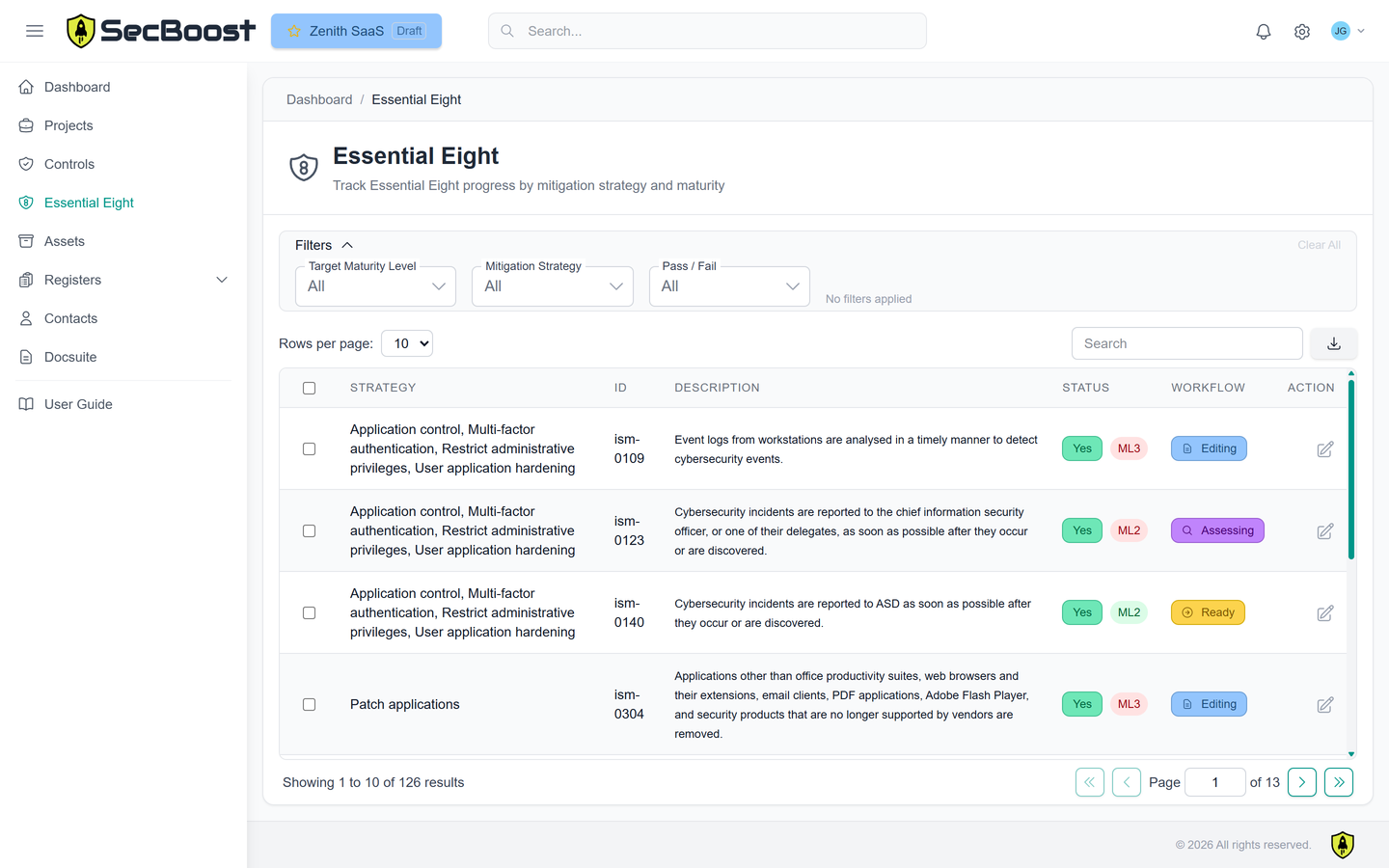
Record control implementation, maturity progress, blockers, alternate controls, no-visibility gaps and residual risk for Maturity Level 1, 2 or 3.
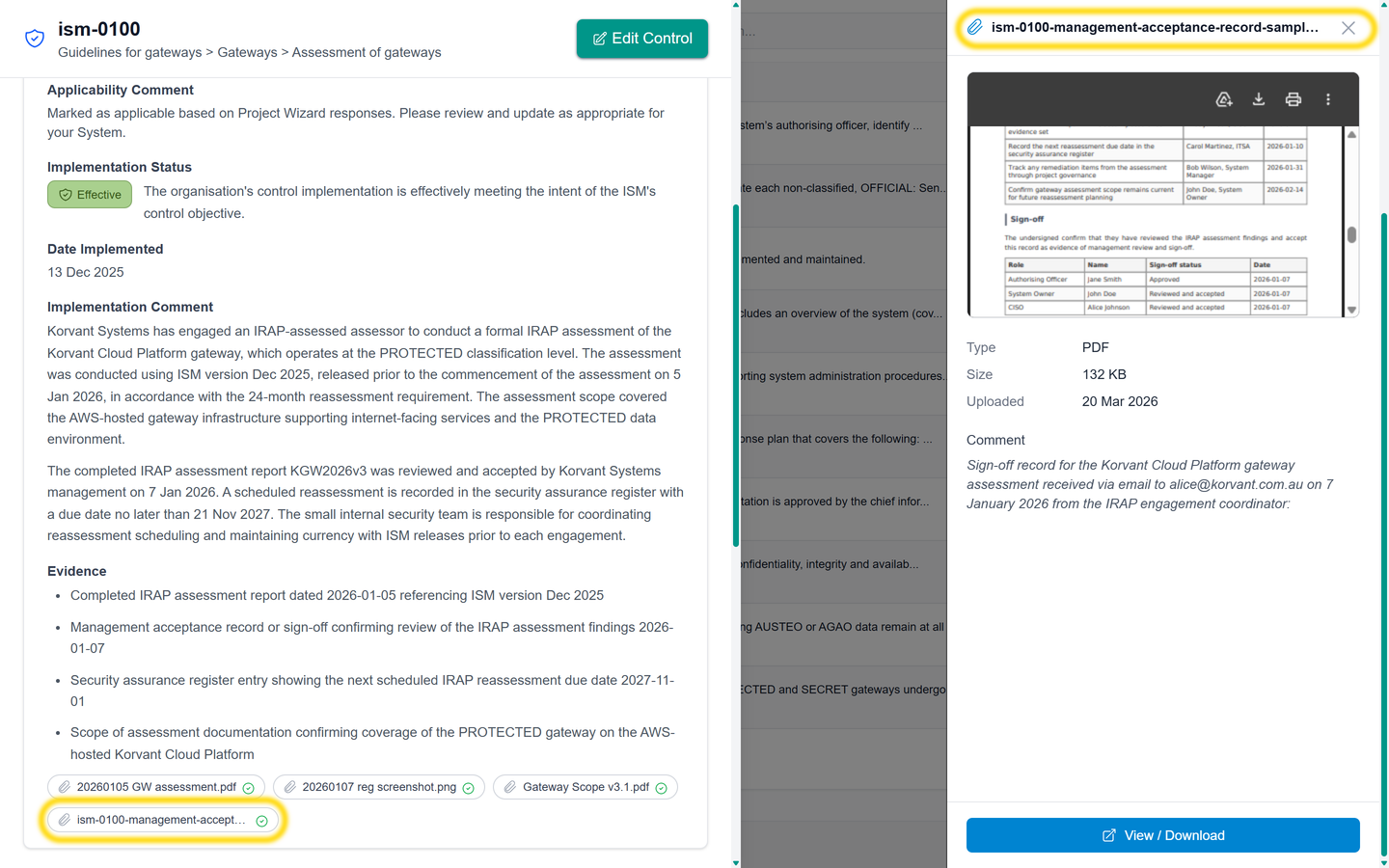
Upload screenshots, PDFs, exports and supporting records directly against the control implementation and assessment record.
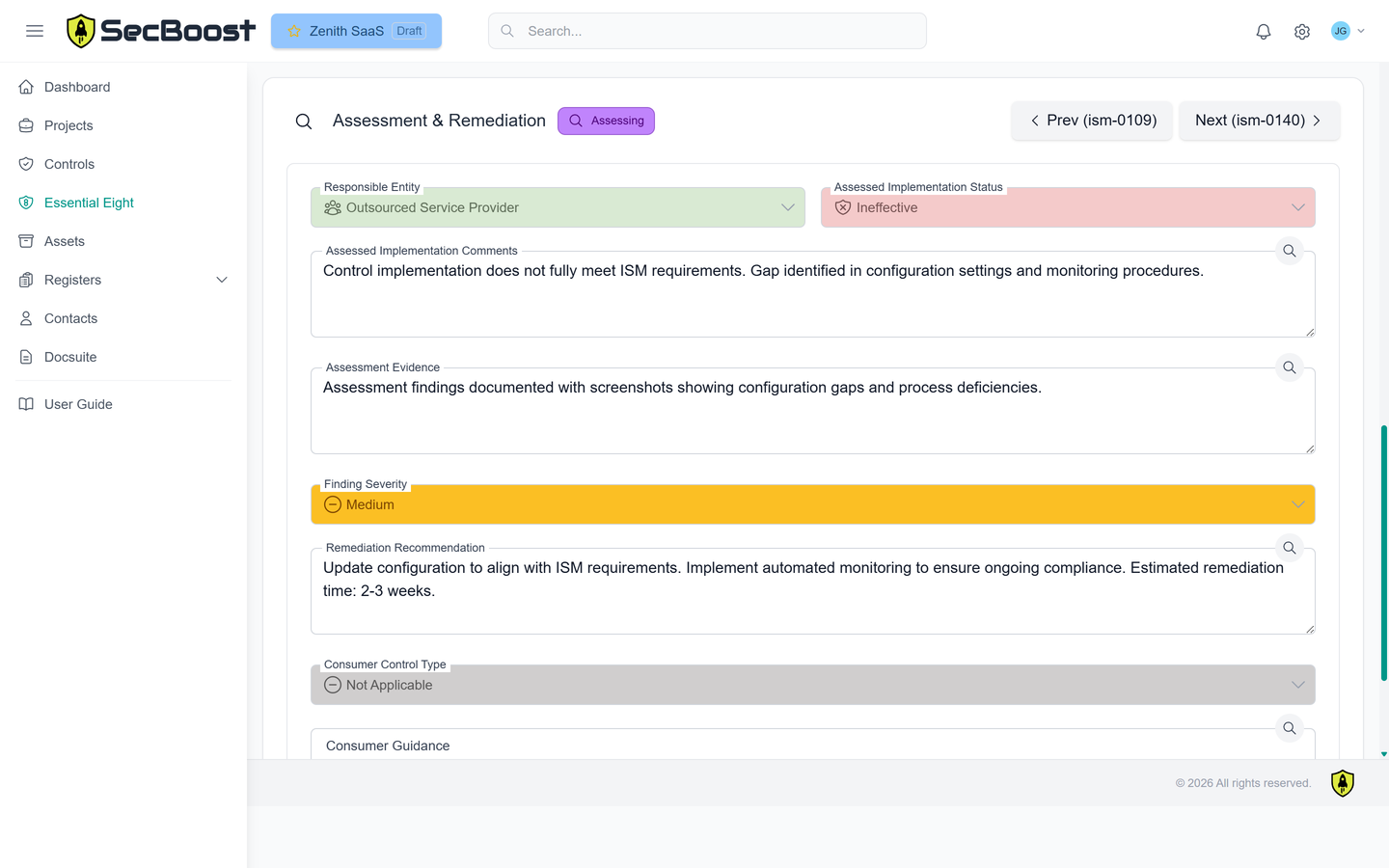
Standard and Enterprise let assessors work inside SecBoost: review evidence, record assessment outcomes, return controls to editing when more information is needed, and finish with OSCAL and completed CCM outputs.
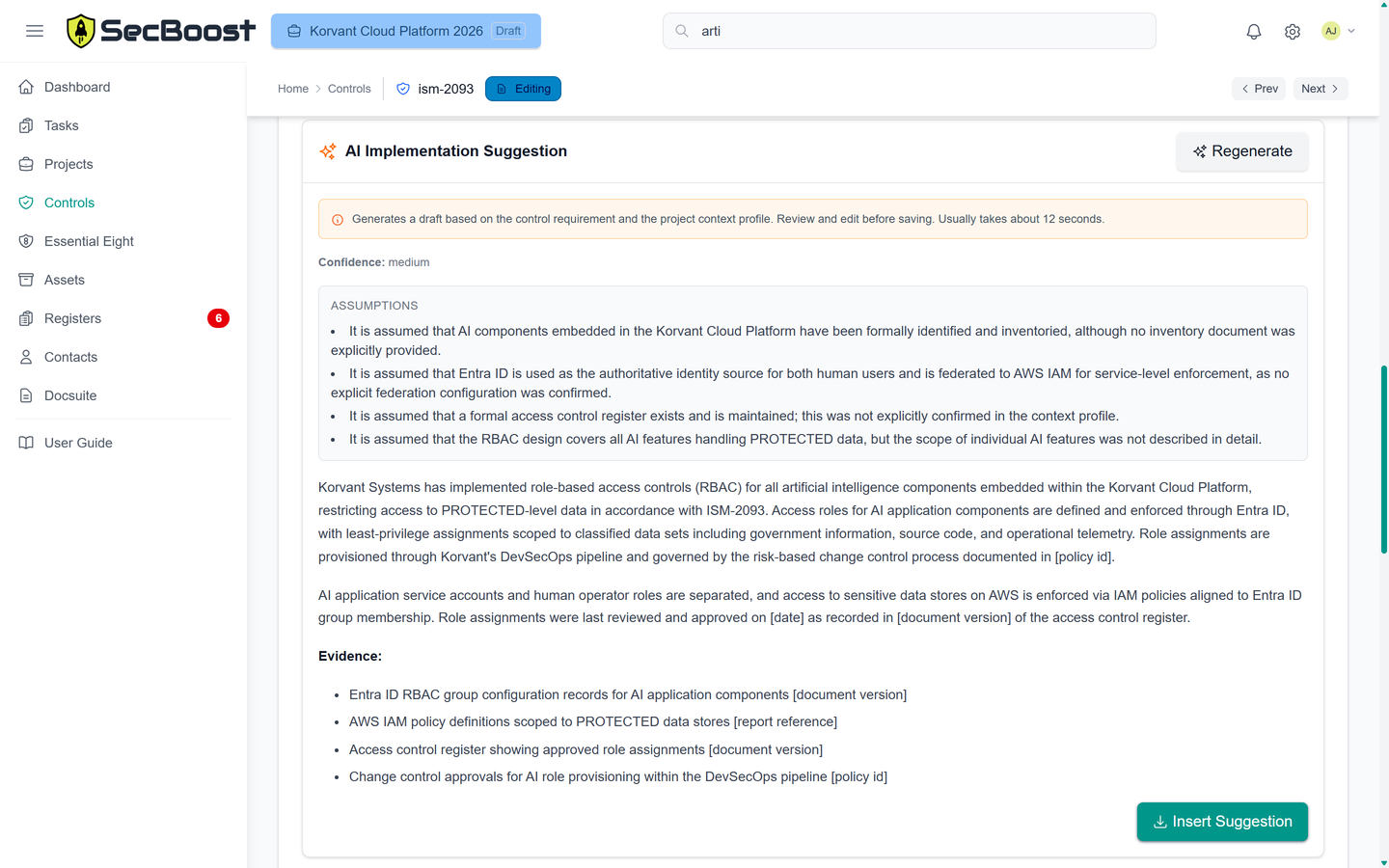
Answer questions about your system to get AI implementation suggestions for the relevant ISM control.
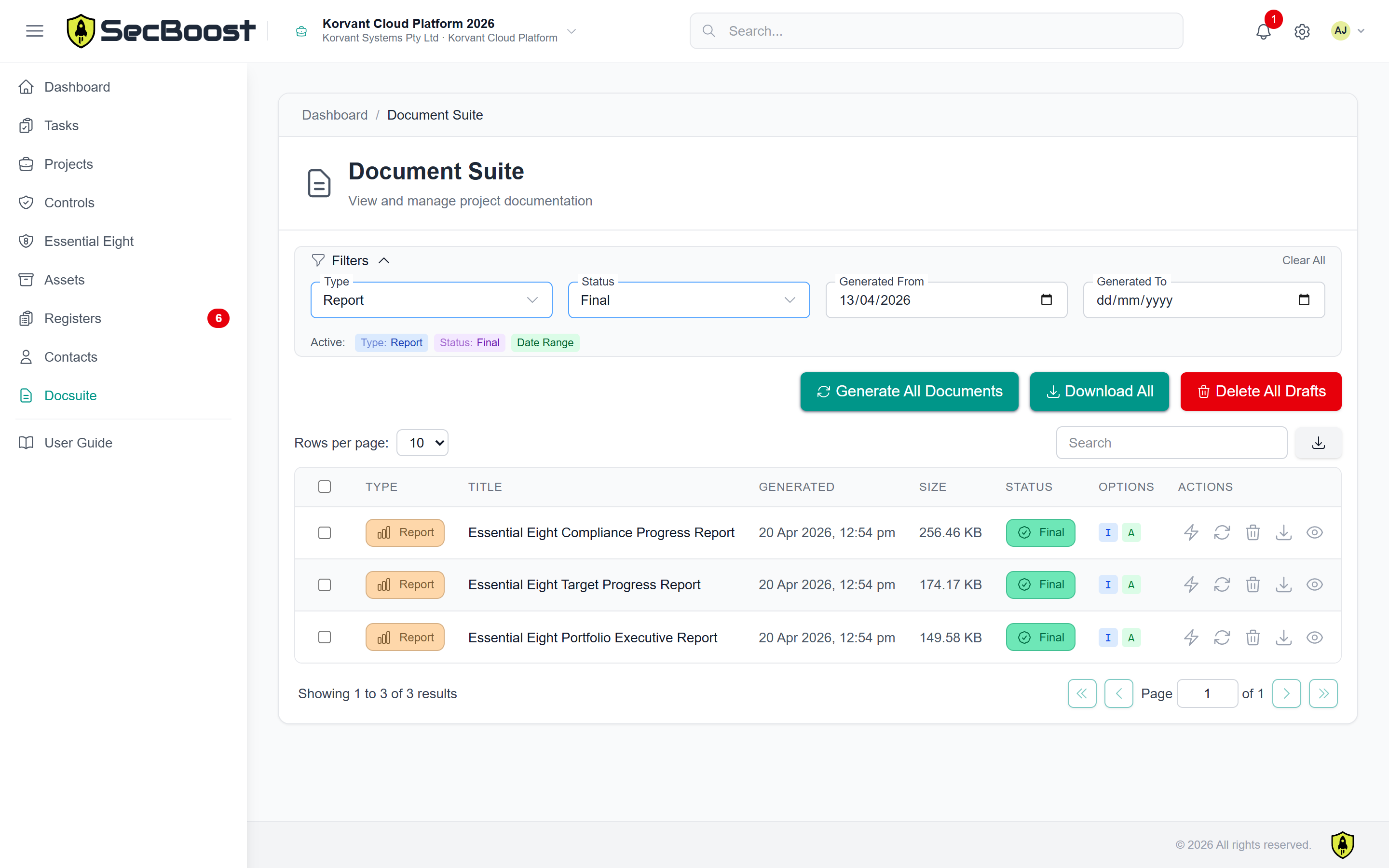
Documentation Suite
The Documentation Suite uses your system profile, selected ISM version, classification, control applicability and implementation notes to produce assessor-ready material.
Set expectations for how your organisation protects its systems and information.
Document how your team prepares, responds and recovers.
Maintain the operational records that support your controls.
Bring implementation and assessment records together for reporting and handover.
Registers and contacts
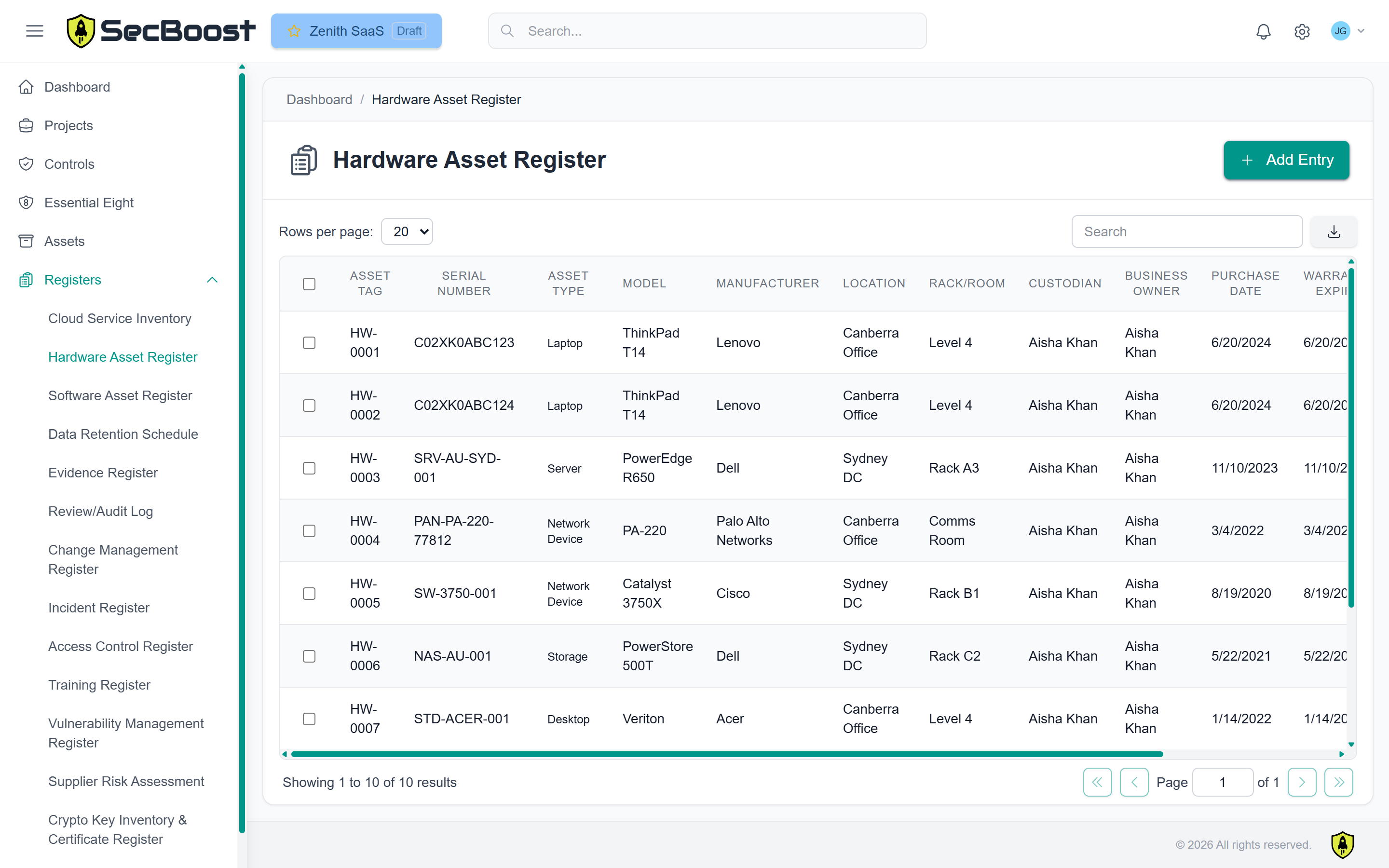
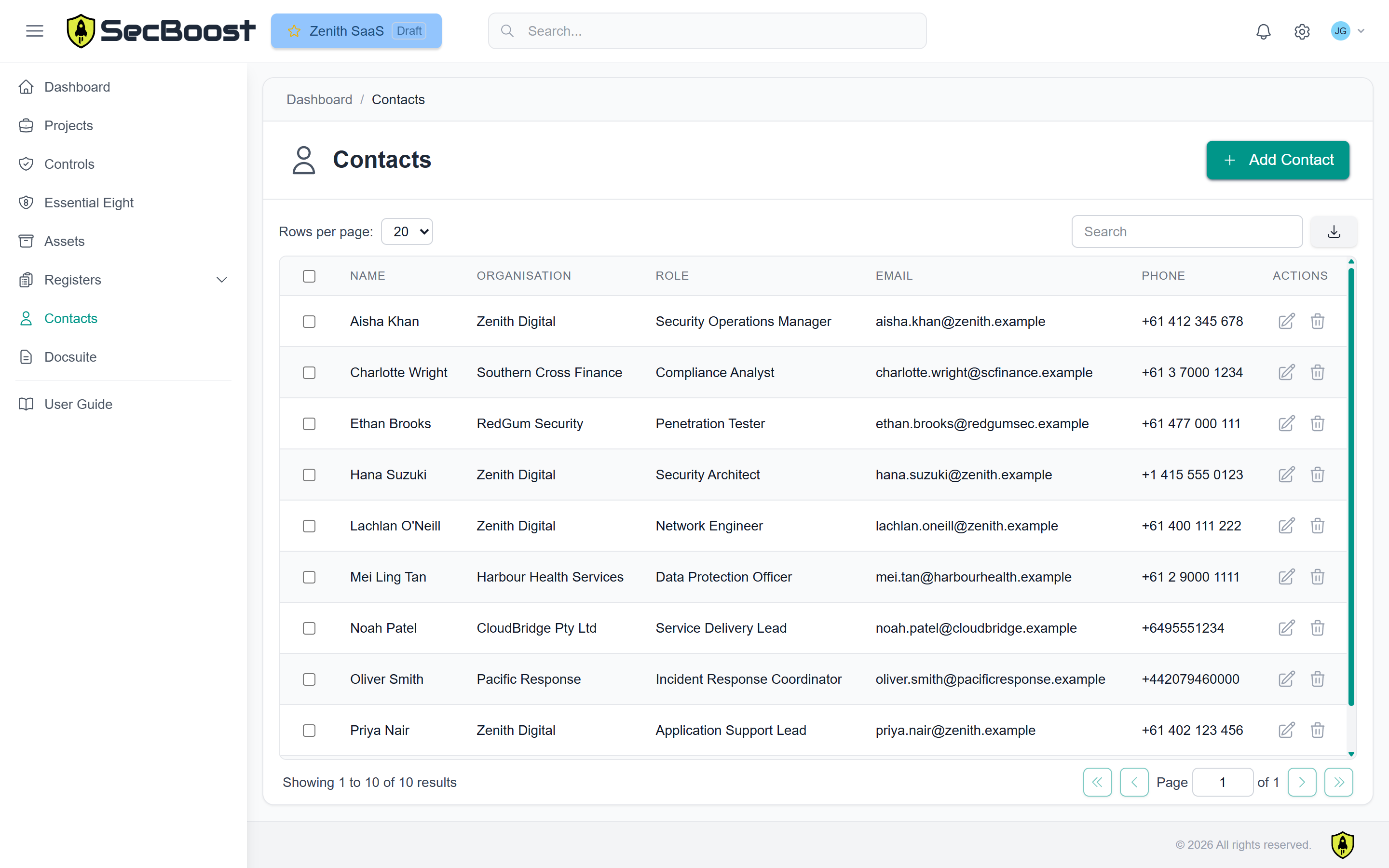
Asset, evidence, training, change, supplier, vulnerability and risk records can be maintained alongside the control implementation and exported when needed.
Connect your own AI agents, scripts and integrations through the API to maintain implementation records, attach evidence, record assessment work and generate documents. Reduce repeated data entry and requests you would otherwise make by hand.